CS2 Arbitrage Guide: From Scan to Execution
A repeatable process for finding cleaner arbitrage opportunities in CS2 skin markets.
Updated: February 19, 2026 by MulMarket Editorial.
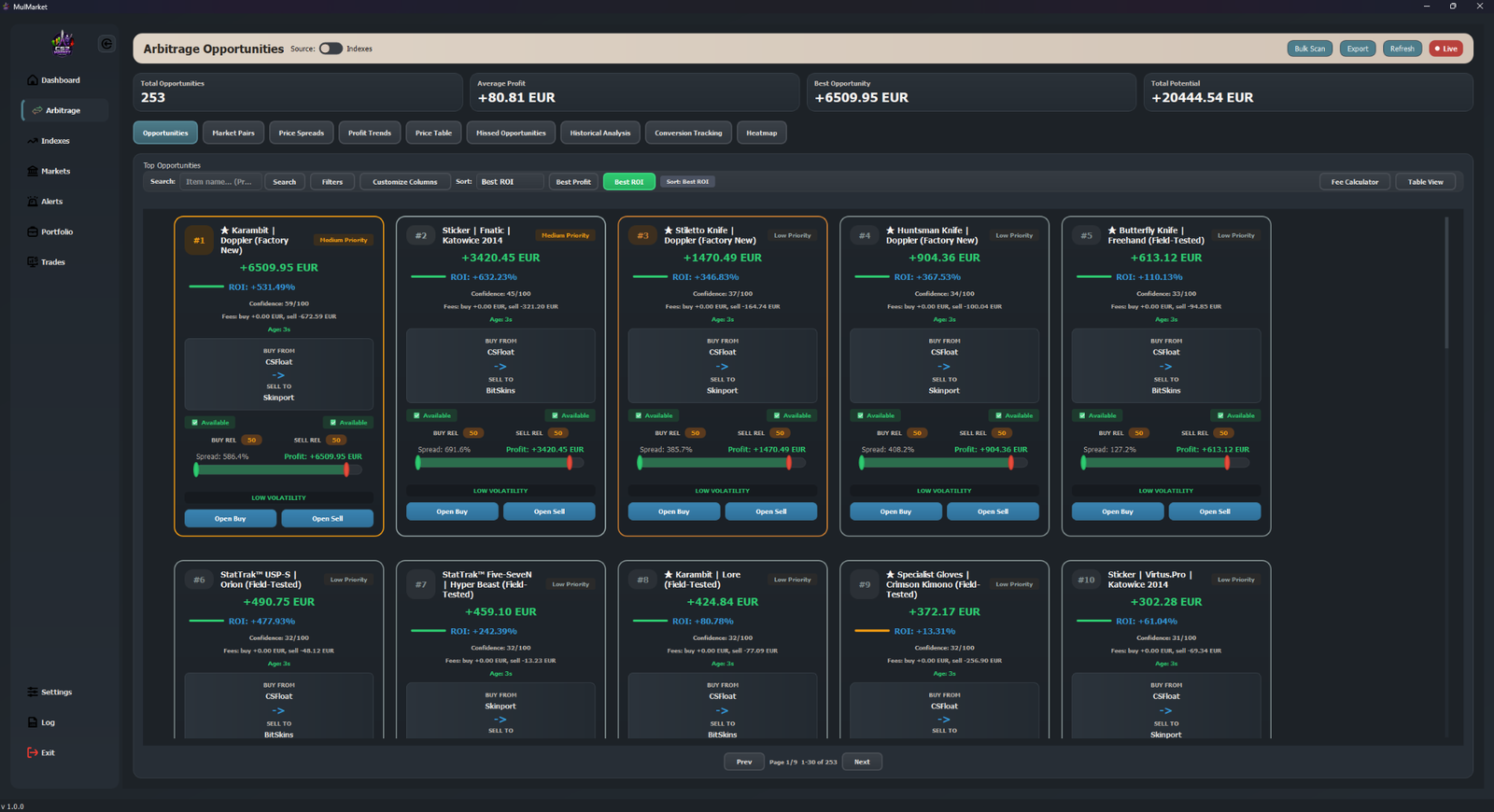
Arbitrage is not about finding the biggest spread once. It is about consistently finding opportunities that still remain profitable after fees, liquidity checks, and execution delay. This guide gives you a practical framework you can reuse daily.
1. Start with markets and liquidity
- Track at least two active markets with meaningful listing depth.
- Avoid low-volume items that can disappear before execution.
- Prioritize items with stable demand and frequent transactions.
2. Filter for tradeable spreads
- Set a minimum spread threshold that exceeds your all-in costs.
- Check not only price difference, but also order book size and speed.
- Use recent history to avoid one-off price spikes.
3. Validate net profit, not gross spread
- Subtract buy and sell fees, withdrawal costs, and transfer friction.
- Use a safety buffer in case prices move during execution.
- Skip setups where edge disappears under conservative assumptions.
4. Execute with rules
- Define maximum position size per trade and per item category.
- Use alerts for entry and follow-up checks to reduce missed windows.
- Document completed trades and compare expected vs realized outcomes.
5. Review and improve weekly
- Track win rate, average net return, and slippage.
- Lower exposure on setups with recurring execution problems.
- Double down on patterns with stable fill quality and clean exits.
CS2 Arbitrage FAQ
What spread should I target for CS2 arbitrage after fees?
Use a minimum spread that remains positive after buy and sell fees, transfer costs, and slippage. Focus on net profitability, not headline spread.
How often should I re-check liquidity before execution?
Re-check right before placing orders and again if fills are delayed. Liquidity can change quickly and can erase your expected edge.
Should I automate arbitrage execution from day one?
Start with a manual, rules-based workflow first. Add automation after your filters and risk limits are proven with consistent realized outcomes.
Try MulMarket
Compare features or download the app free.
Related Guides
MulMarket provides market analytics tools, not financial advice.